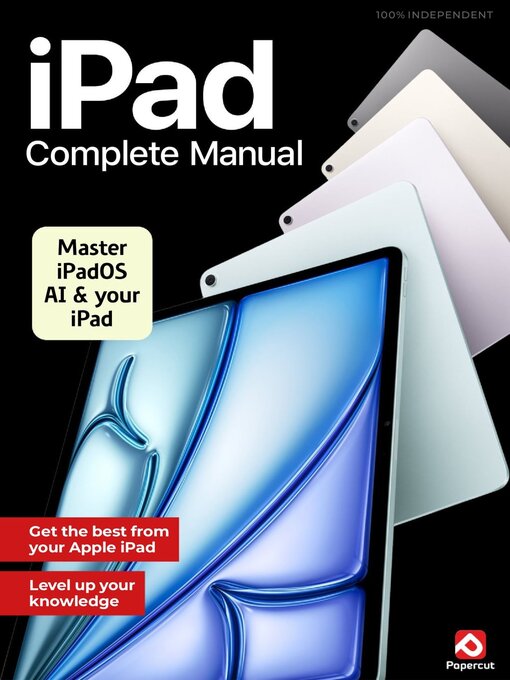
 Issue 8
 Issue 7
 Issue 6
 Issue 5
 Issue 4
 Issue 3
 Issue 2
New 2025 edition - Fully updated for iPad Pro, iPad Air, iPad & iPad mini! Your iPad can do more than you think. Even apps you use every day might boast features of which you’re unaware. That’s where this book comes in. Over the next 140 pages, we get to the heart of your iPad, the apps that come with it and the amazing operating system on which it runs, iPadOS 18. You get to learn all sorts of tricks and tips that allow you to get the most from your amazing Apple tablet.
THE ULTIMATE iPad MANUAL
Your iPad’s Built-in Apps
Notes App Organise Your Life • Notes is great. Not only can you store your scribblings, you can also create checklists and tables, add videos and pics, share notes with others and even collaborate on a note. You can password-protect a note for privacy too.
The Action and Share menus • Tap on the three-dots icon found at the top of the screen for the action menu, or the Sharing icon for the share menu. These guides show you what you see if you do so with a note open in the app.
Calendar App Plan Your Dates • Calendar is great for organising your life. You can add events, appointments, schedule alerts, invite contacts to events and sync Calendar with other calendar apps. It’s an extremely versatile and helpful digital tool.
Contacts App Your Digital Details • You can use your iPad as a great digital address book, to keep names, addresses, phone numbers, email addresses and more all in one place. You can sync your Contacts app with other electronic devices too.
Camera App Take Better Pictures • The Camera app is one of the most used apps on the iPad. You can take pictures using the rear-mounted iSight or front-facing FaceTime or TrueDepth cameras, as well as record videos and lots more.
Photos App Manage and Edit • Photos had an overhaul for iPadOS 18. There’s a new Library section, with the familiar thumbnail grid and sections for curated and user created albums underneath, and Apple Intelligence is used for smart albums and editing.
Maps App Navigate Your World • Maps is a superb navigational tool that turns your iPad into a GPS system. Making great use of the iPad’s location awareness, it gives you an accurate map of your location, shows directions to where you want to go and more.
The Health App Keeping Fit • The Health app is great for keeping all of your personal medical information in one place; and for tracking your exercise and fitness regimes. You can store clinical documents too, especially if you have an Apple Watch.
Music App Enjoy Your Sounds • The Music app is your gateway to the Apple Music service, from which you can stream from a library of over 60 million songs for a set monthly fee. You can listen to music bought from iTunes and ripped from your CDs too.
TV App Television On the Go • The TV app is a convenient way to watch your favourite television on your iPad. You can use it to stream on-demand shows and watch live TV; and if you subscribe to Apple’s TV+ service, you can watch that too.
Books App For All Your eBooks • With the Books app, you can turn your iPad into a powerful and feature-rich eBook reader. You can purchase and download books, read them on your iPad and add PDFs, so you can read your documents in the app too.
News App Stories and Features • If you regularly trawl the web for news and features on subjects that interest you, the News app should be a welcome addition. It gathers stories from numerous sources into one place making them easier for you to find.
FaceTime App Audio and Video Calls • Your iPad’s FaceTime app can make audio and video calls, and with recent versions of iPadOS they can be to Android and Windows devices too. As FaceTime calls are made over the Internet, they’re free.
Translate...